Turn your 𝕏 bookmarks into knowledge digests
Zero-friction 𝕏 curation tool that streamlines how you consume information from bookmarks. Chat with AI, schedule digests, or sync to Notion / Sheets.

Bookmarks




Chat with Your Bookmarks through AI
Effortlessly unlock knowledge from Your Twitter Bookmarks: Simply press Cmd+K to search with AI-powered conversations
Streamline your information consumption workflow


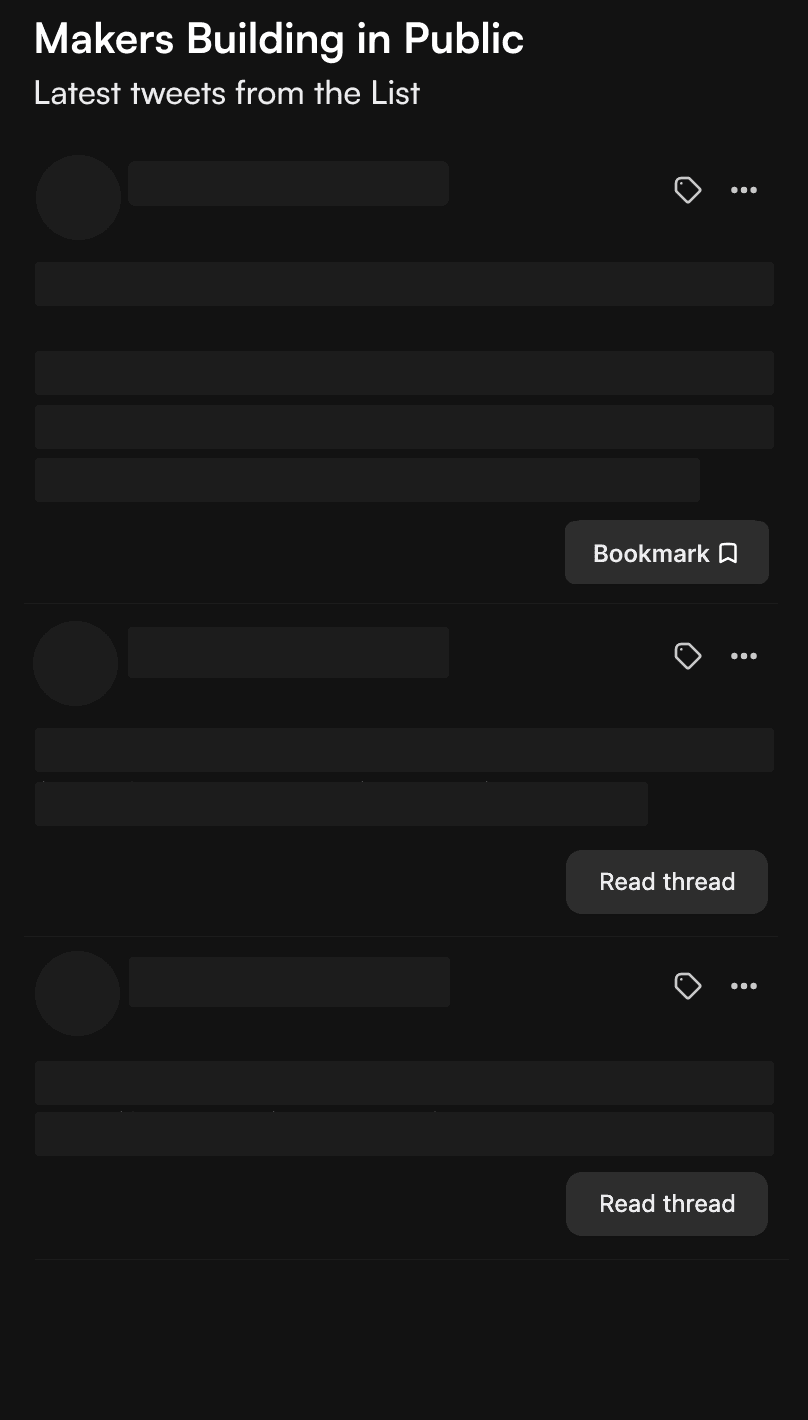
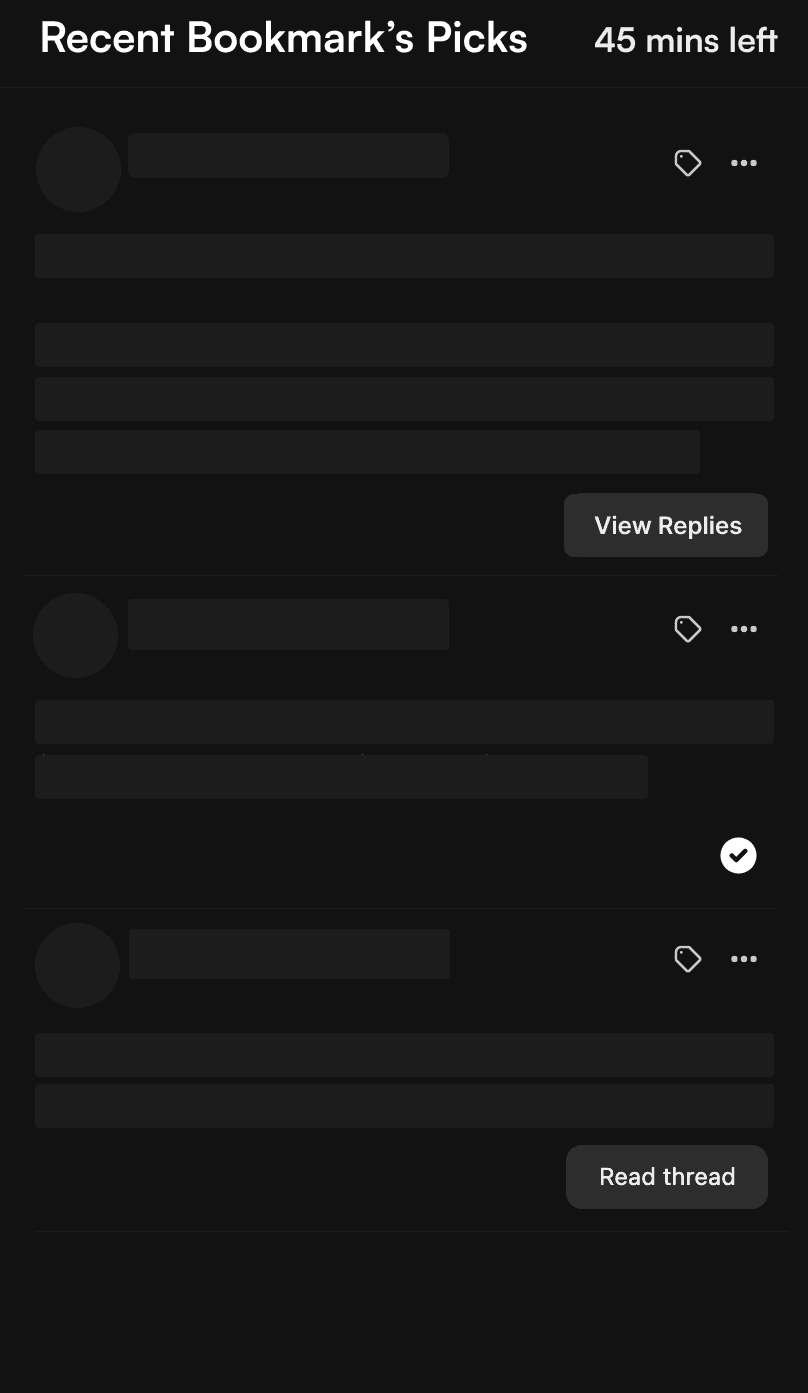
Turn your bookmarks into newsletters
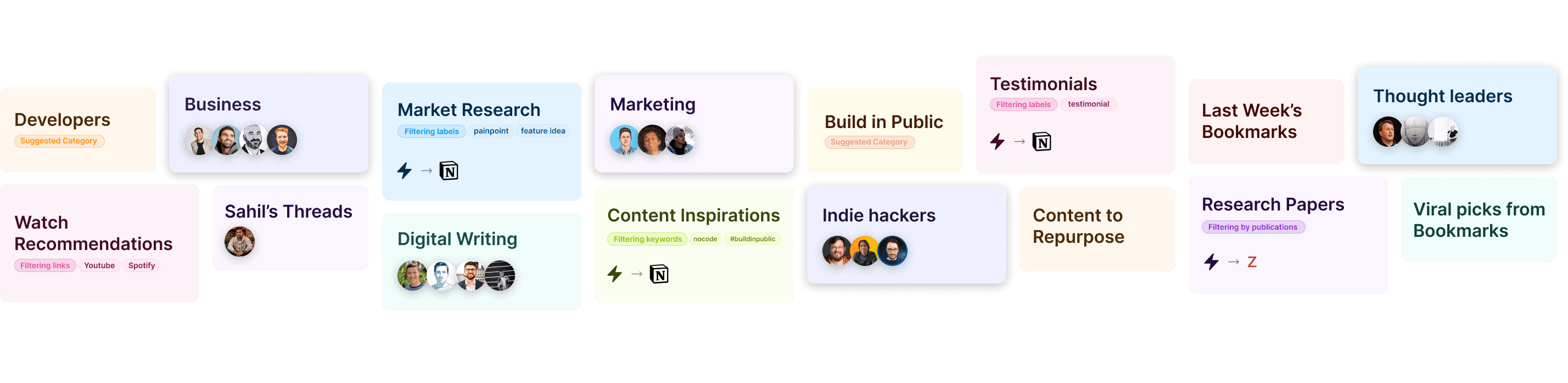
more possibilities to organize your learnings

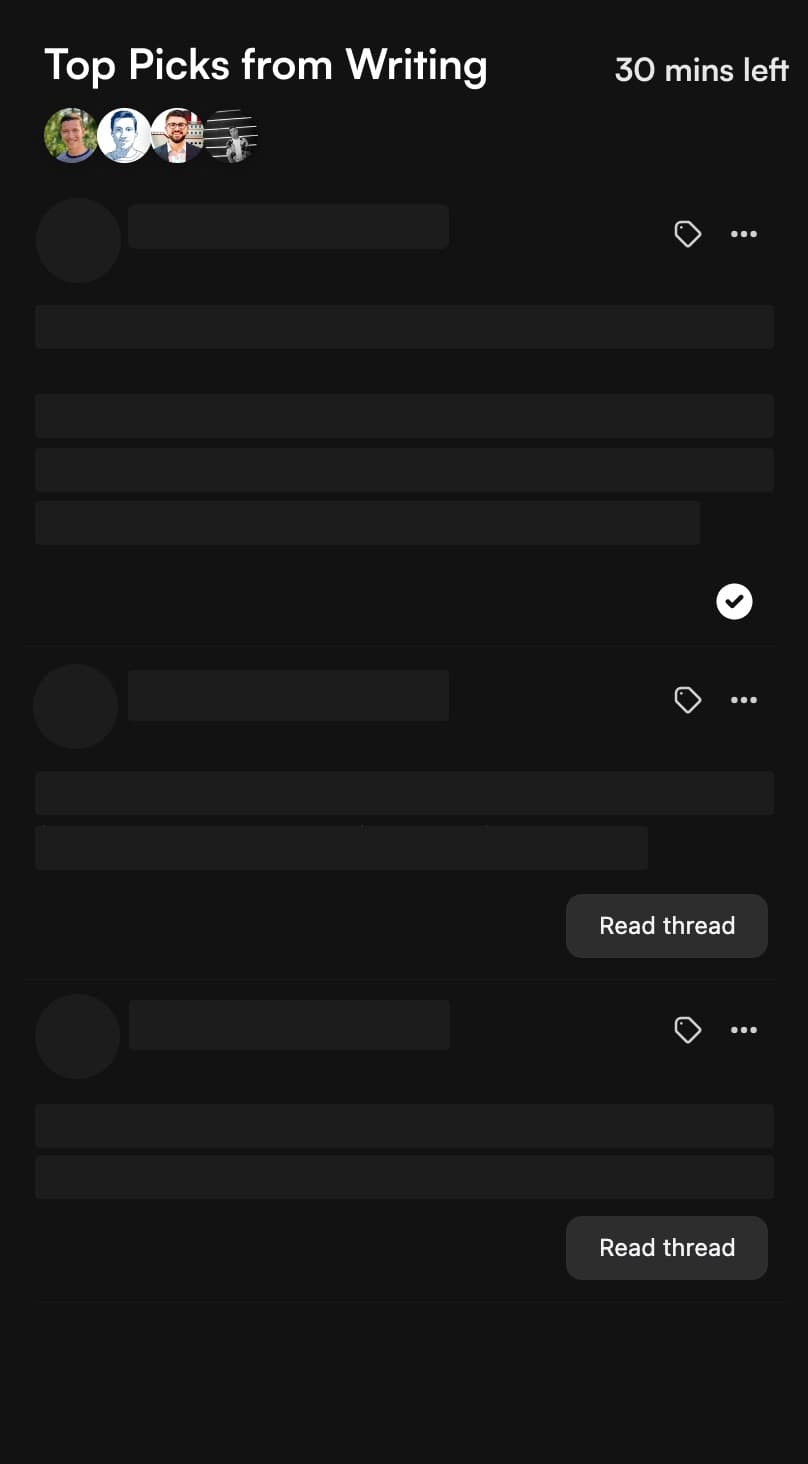
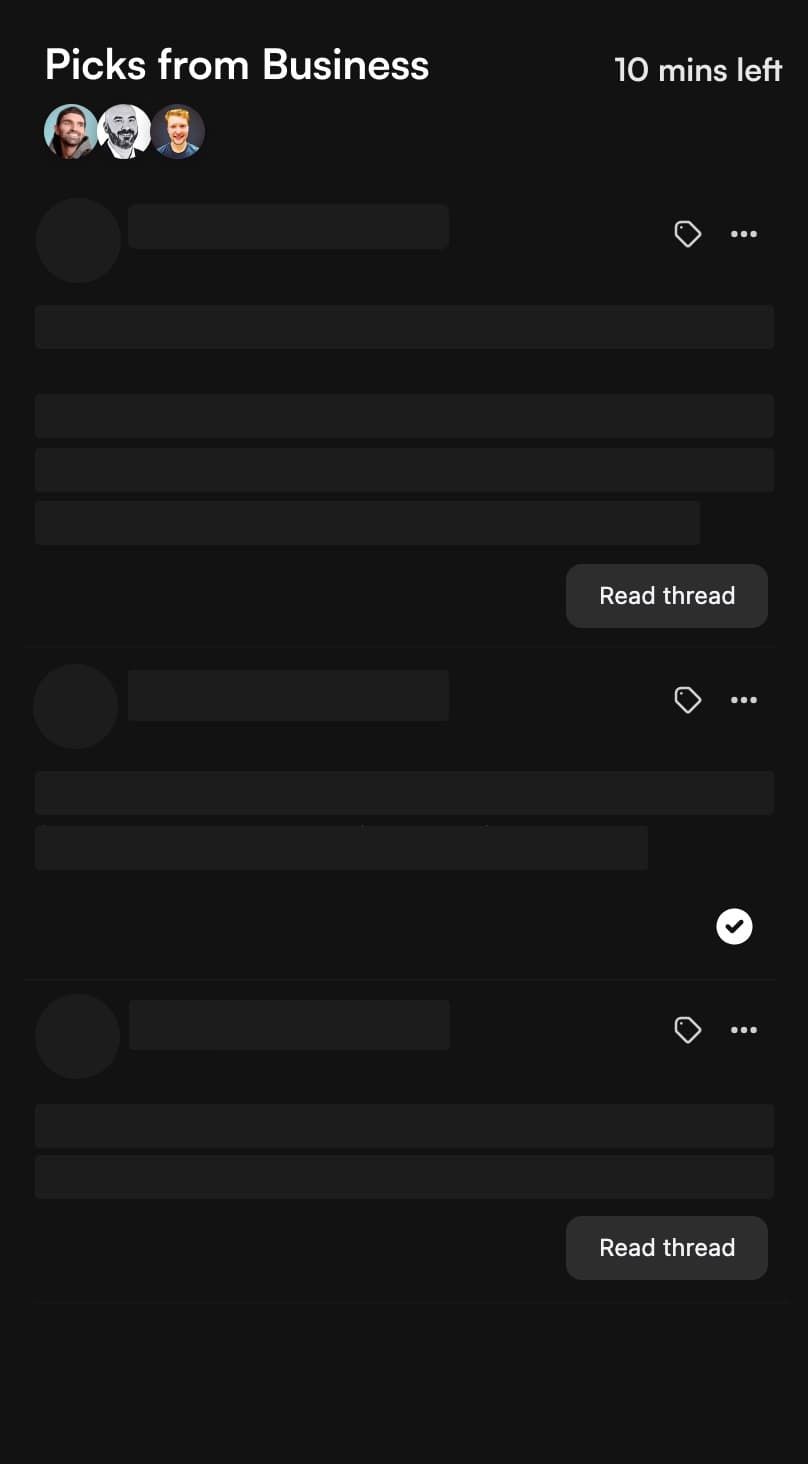
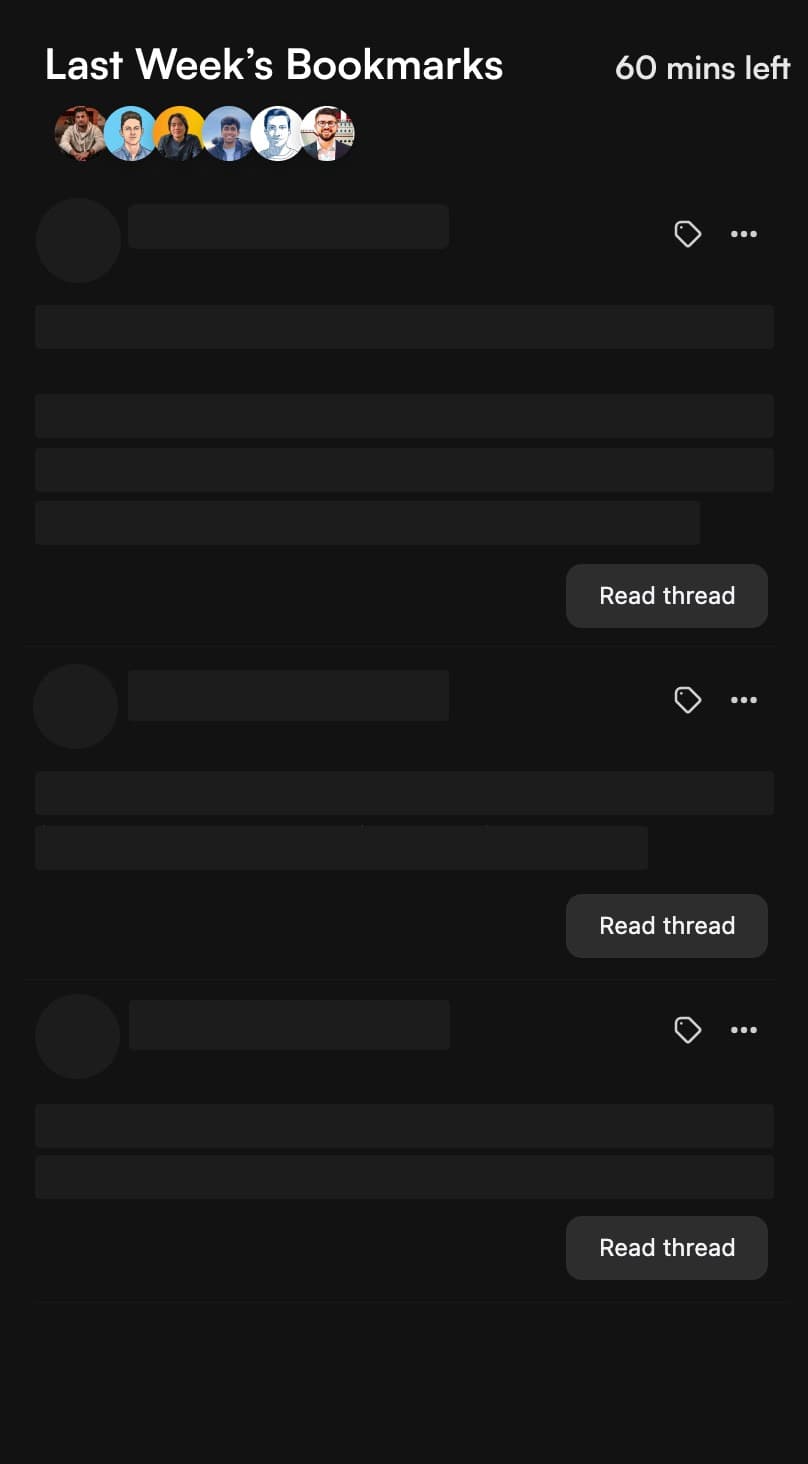
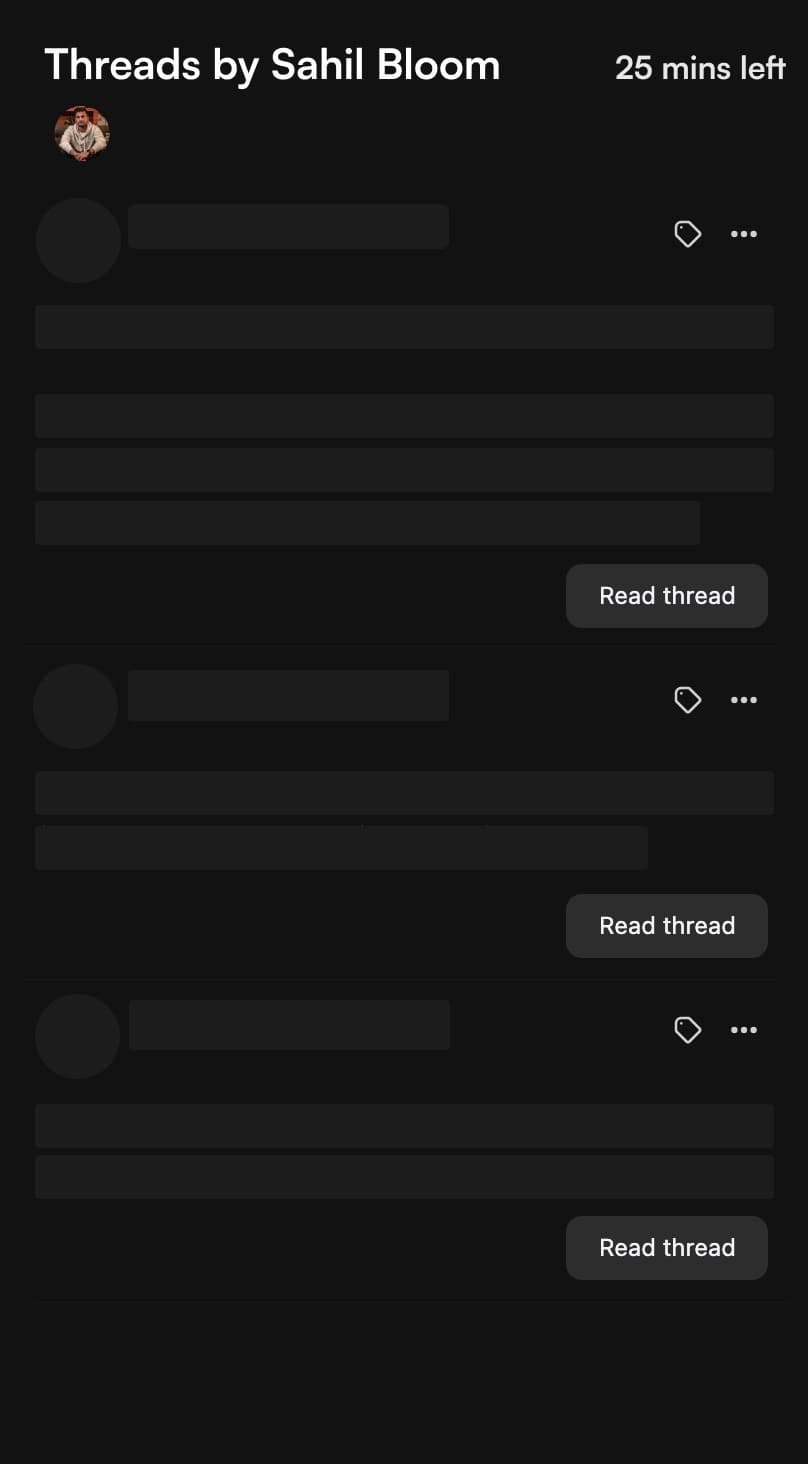
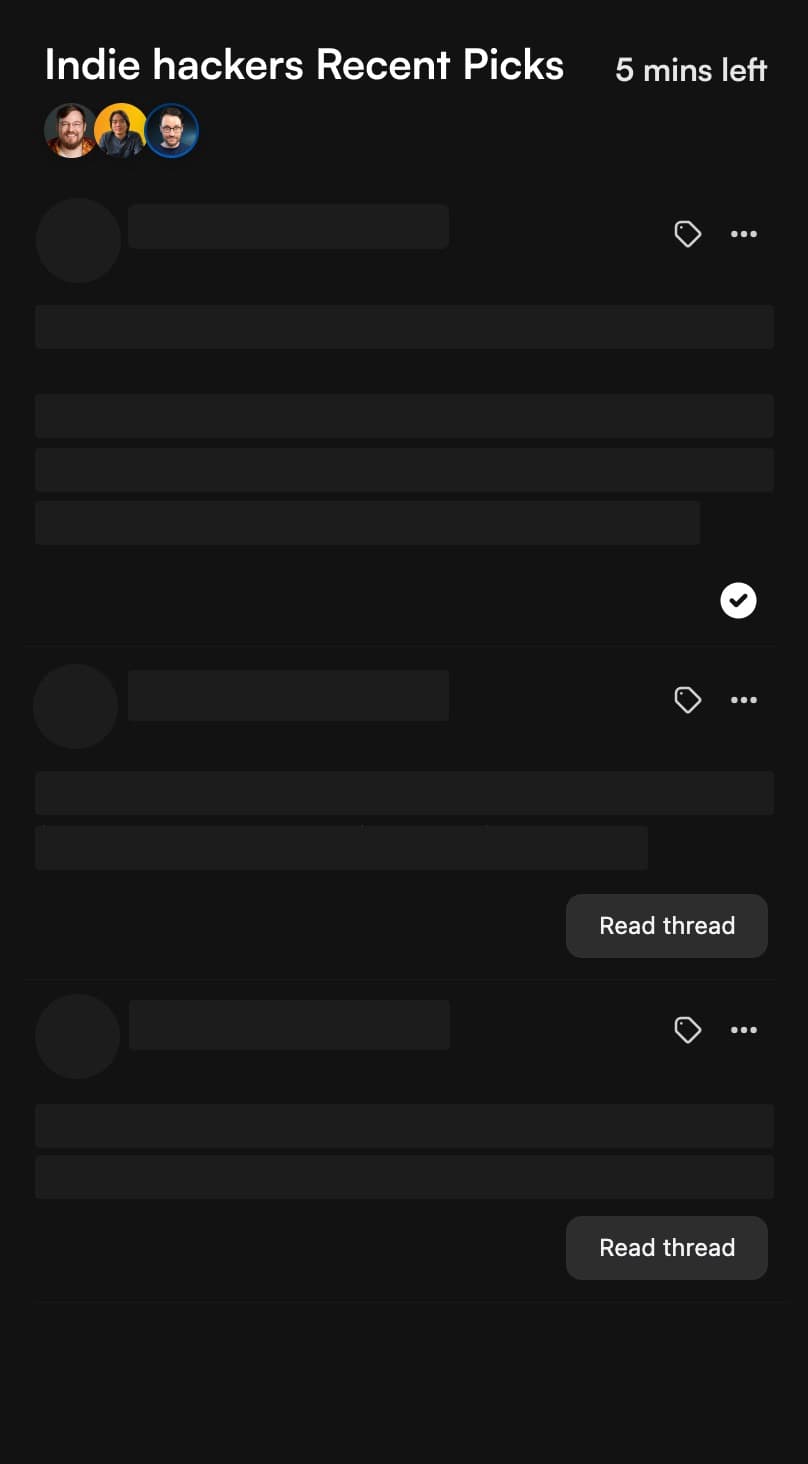
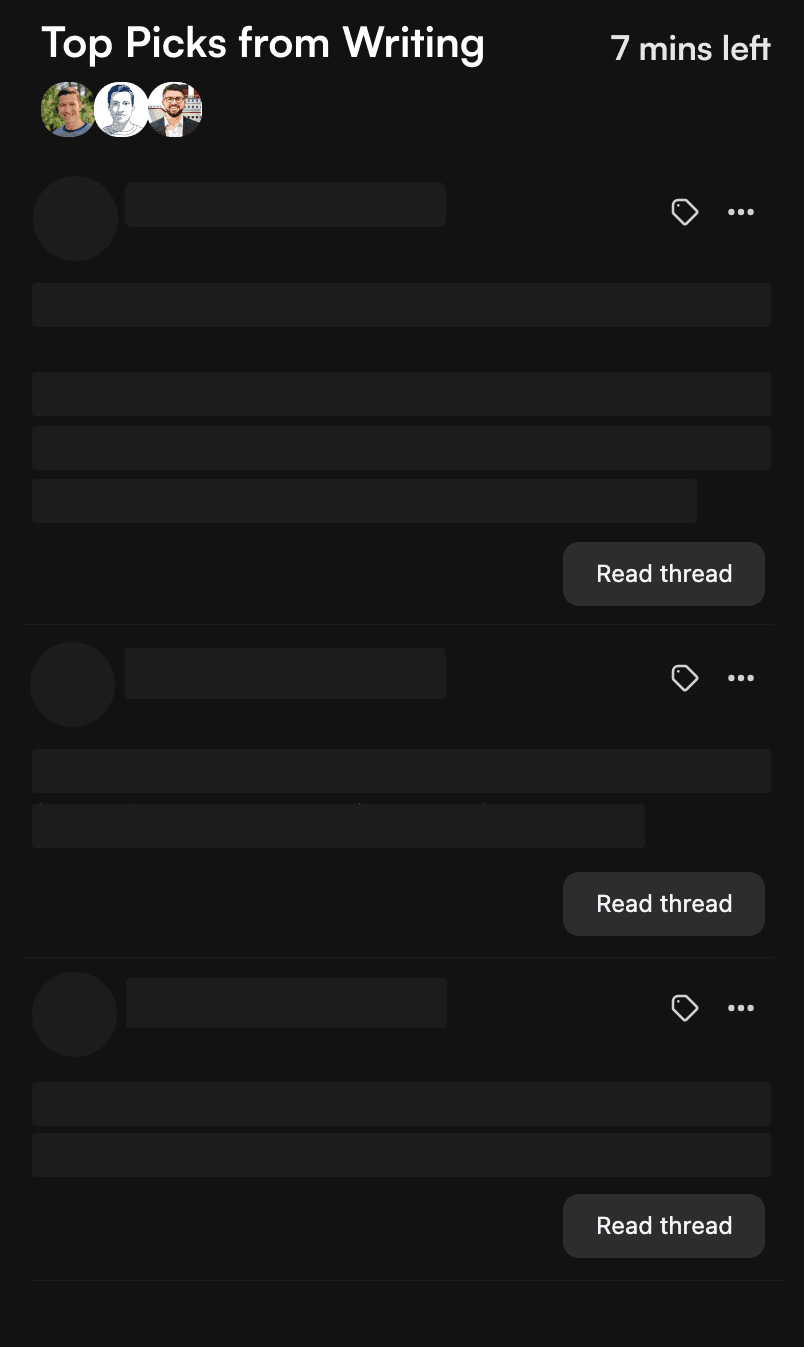
Prepare digest with how-much to read from organized tweets
Reading on a coffee break ? or doing long reads on weekends? Mash creates a digest with what to read from the tweets you organized and how much to read from your preferred reading time.



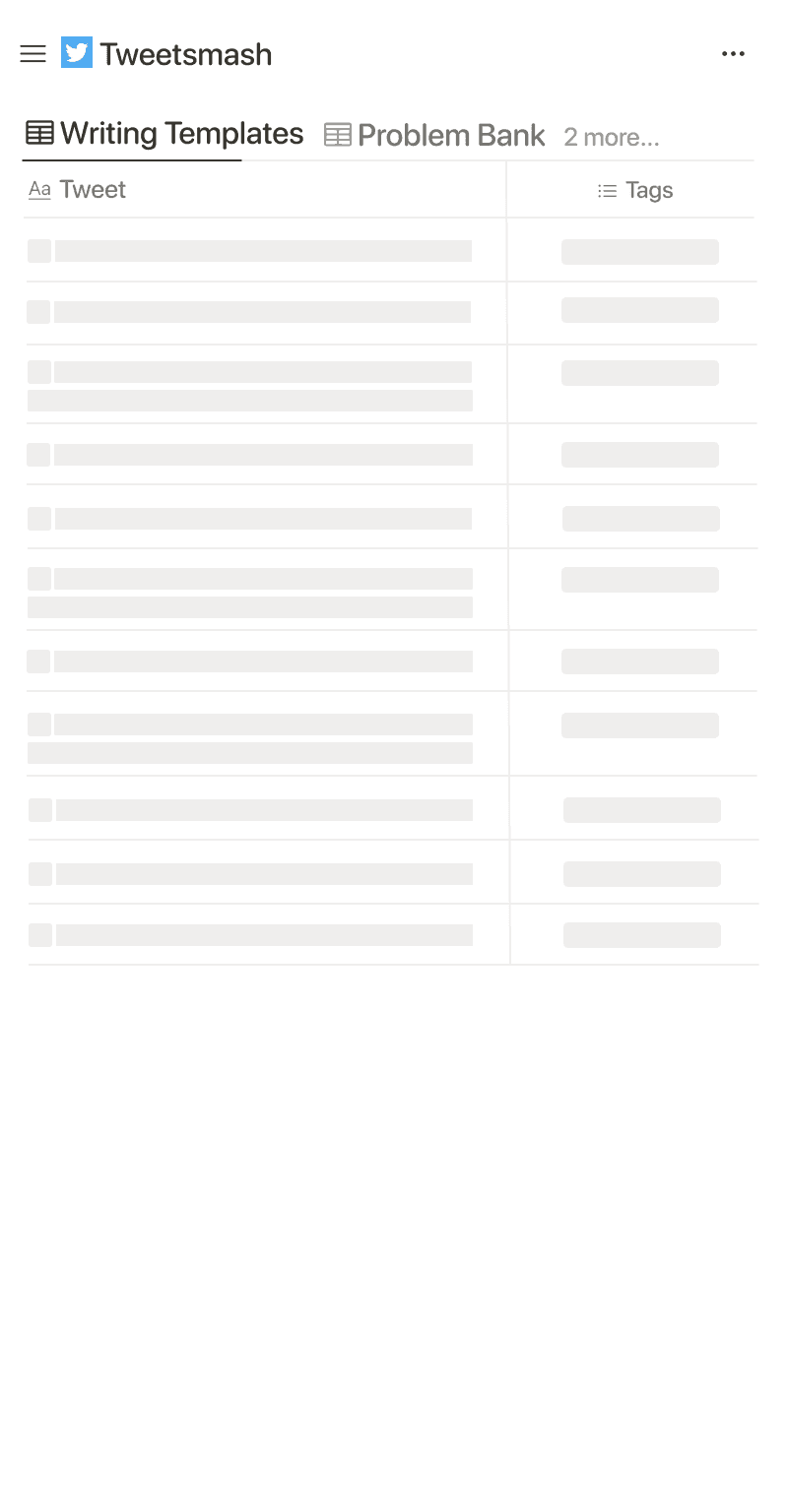
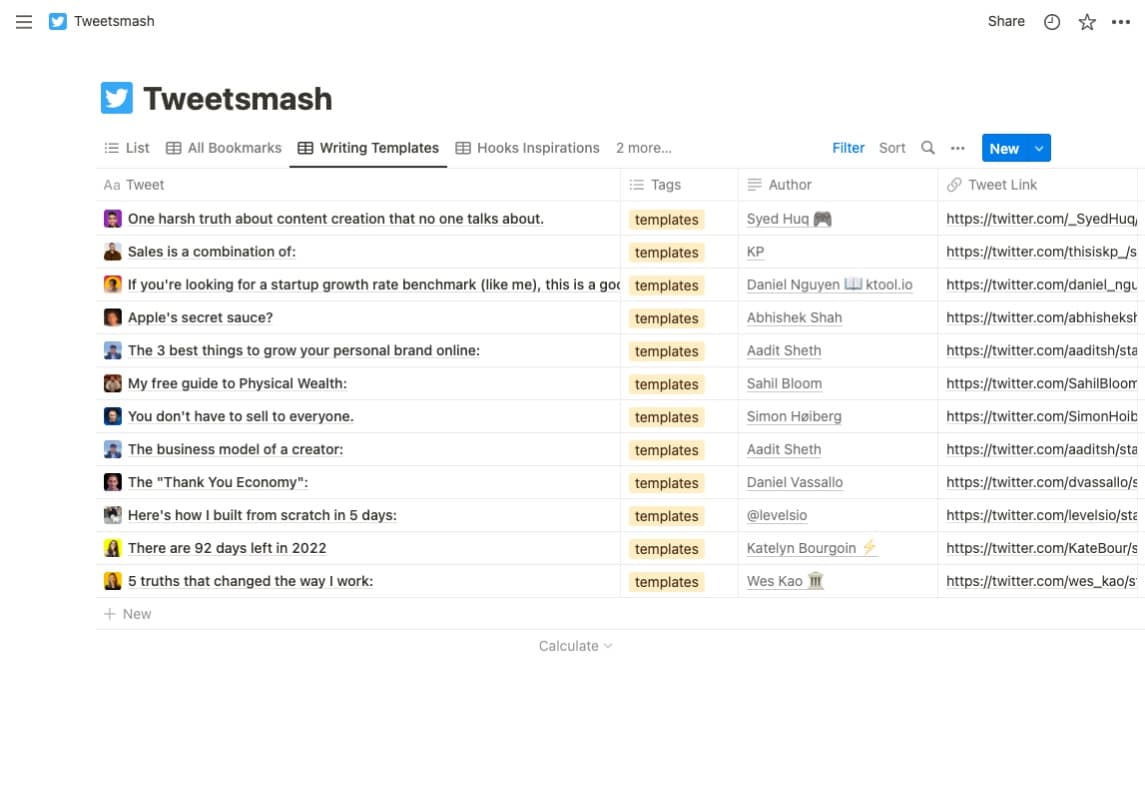
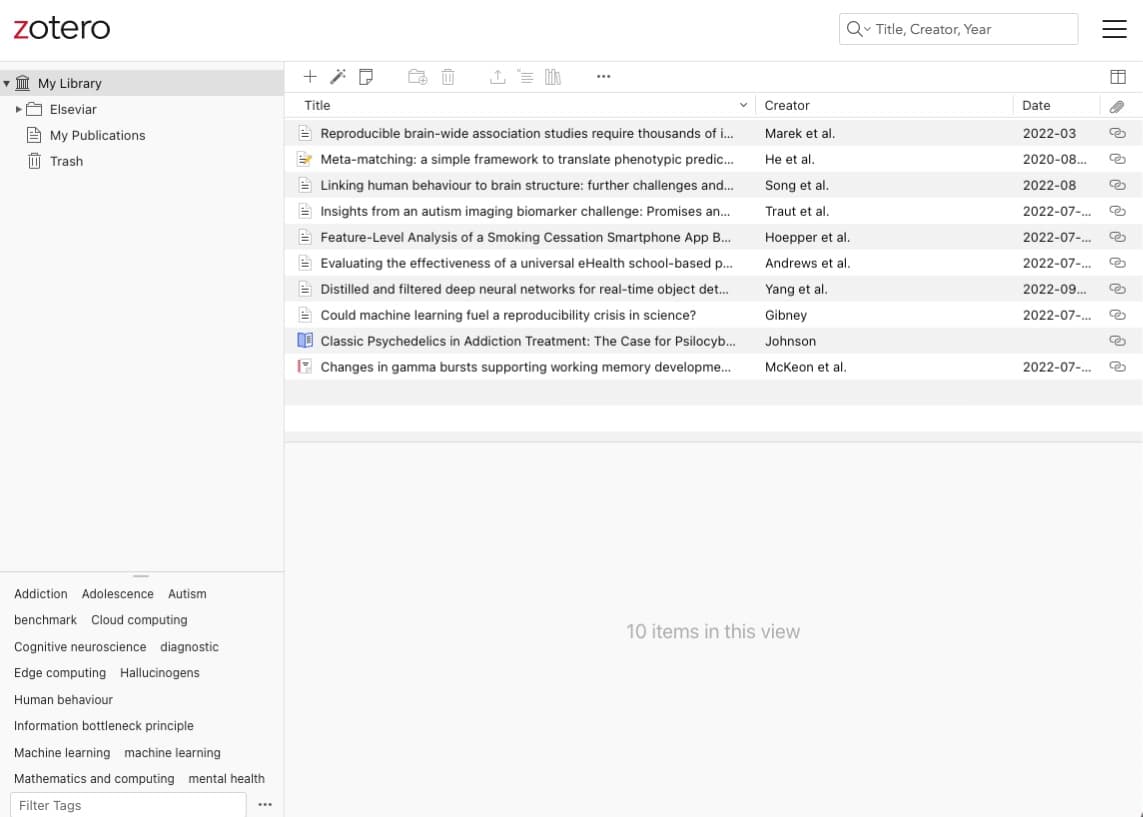
Sync curated tweets to your knowledge base apps
 Notion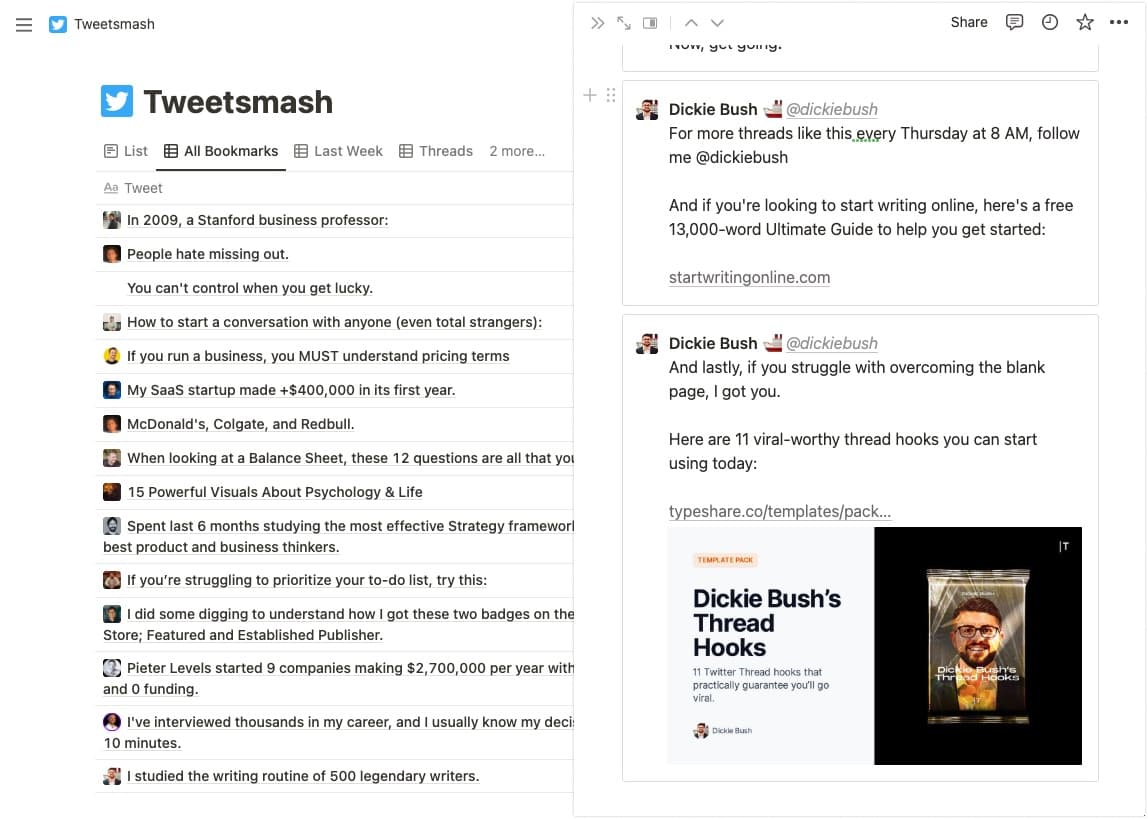

"Organizing and finding Twitter bookmarks before Tweetsmash was terrible and time consuming. Now that I sync all my Twitter bookmarks to Notion,I never have to endlessly scroll and CMD+F to find the bookmarked tweet I'm looking for. Highly recommended to any twitter power user!"
Organize, search & manage bookmarks with ease
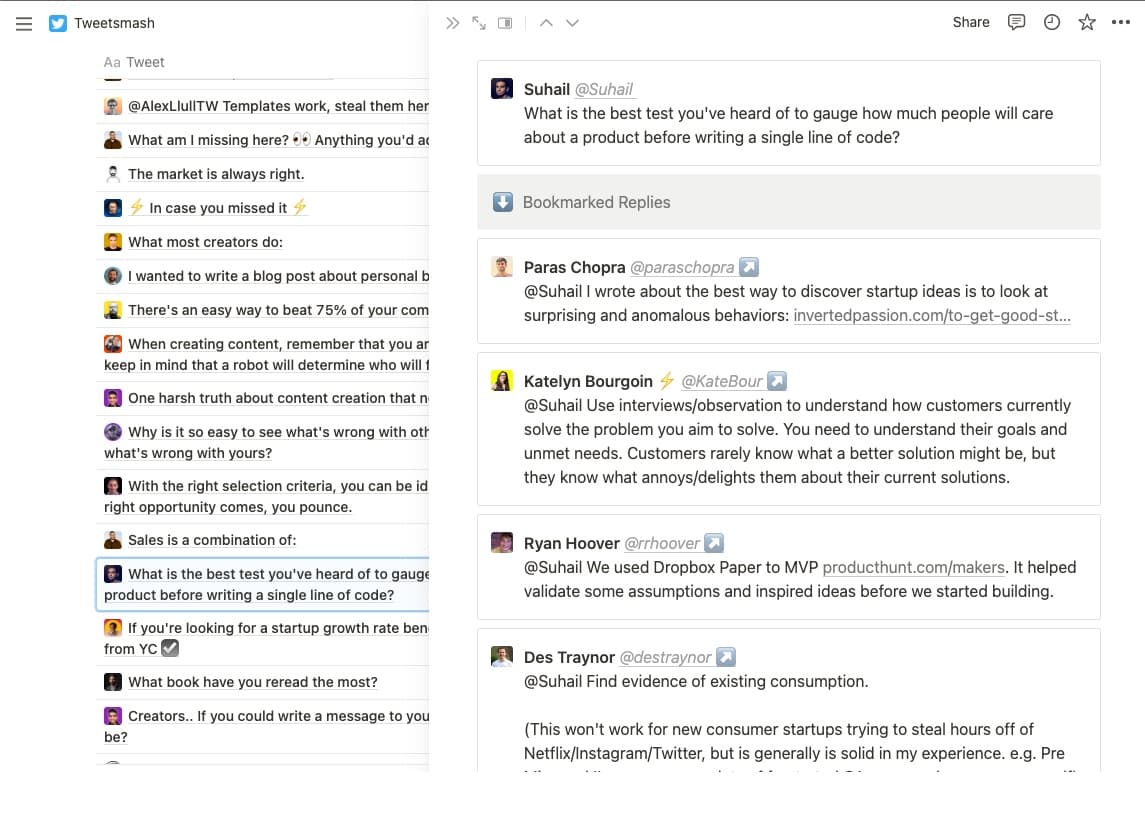
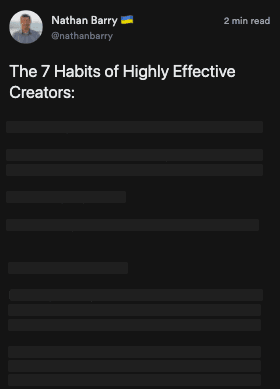
Read threads with in-built thread reader
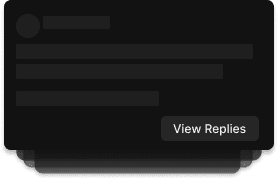
Bookmarked replies are grouped
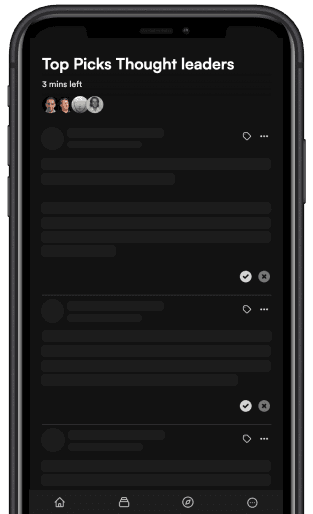
Read in Mobile with PWA
Organize with Labels
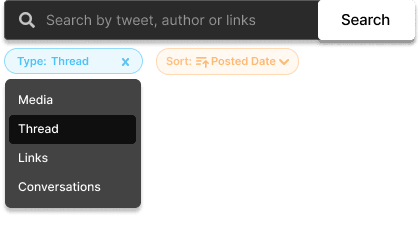
More options to search easily
Questions people ask first
Does Tweetsmash need my X password?
No. You connect your account through X’s own authorization screen and Tweetsmash receives a token scoped to reading your bookmarks. Your password is never sent to us and we never post on your behalf.
Can I get my bookmarks out again?
Yes. Export the whole library, a filter, or a single Smart View to PDF, CSV or JSON, and keep bookmarks syncing automatically into Notion, Google Sheets or Zotero.
Can I search inside the text of a saved post?
Yes. Search matches the full post text, the author, and any labels you have added, and a semantic search finds saves that match an idea rather than an exact word.
Is there an API?
Yes. A REST API at https://api.tweetsmash.com/v1 covers bookmarks, labels, Smart Views and exports, described by an OpenAPI document at https://www.tweetsmash.com/openapi.json. Keys, a quickstart and a no-auth sandbox are at https://www.tweetsmash.com/developers.
Does it work with Claude, ChatGPT or other AI agents?
Yes. Tweetsmash runs a hosted MCP server at https://mcp.tweetsmash.com/api/mcp, so any MCP client can search, label, organize and export your saved posts. It also runs locally over stdio through the @tweetsmash/mcp npm package.
Is there a free plan?
Yes. The free plan syncs and searches your bookmarks with monthly caps on syncing and exports. Paid plans lift the caps and add reading digests, integrations and API access.

Build your information consumption workflow from 𝕏 Bookmarks
Import Bookmarks to TweetsmashSee our pricing Built for curating & reading best of Twitter